Overview
Broadcasting 4.0 explores collaborative artificial intelligence in the use case of broadcasting. The time-critical division of tasks in broadcasting results in demanding collaboration requirements for artificial intelligence and the way it is applied. Central to the project is the question of how to interact with intelligent technologies collaboratively to produce better broadcasts from home and reduce the workload of human actors in the process. The insights gained were illustrated in a concept and made tangible through exemplary videos.
The project was developed in the context of my bachelor's thesis and was supervised by Prof. Carola Zwick and Prof. Dr. Jörg Petruschat.
Tools:
Videography, After Effects, Figma
Videography, After Effects, Figma
Methods
Research through Design, Design Thinking, Creative Discovery, Wizard of Oz Prototyping
Research through Design, Design Thinking, Creative Discovery, Wizard of Oz Prototyping
Approach & background
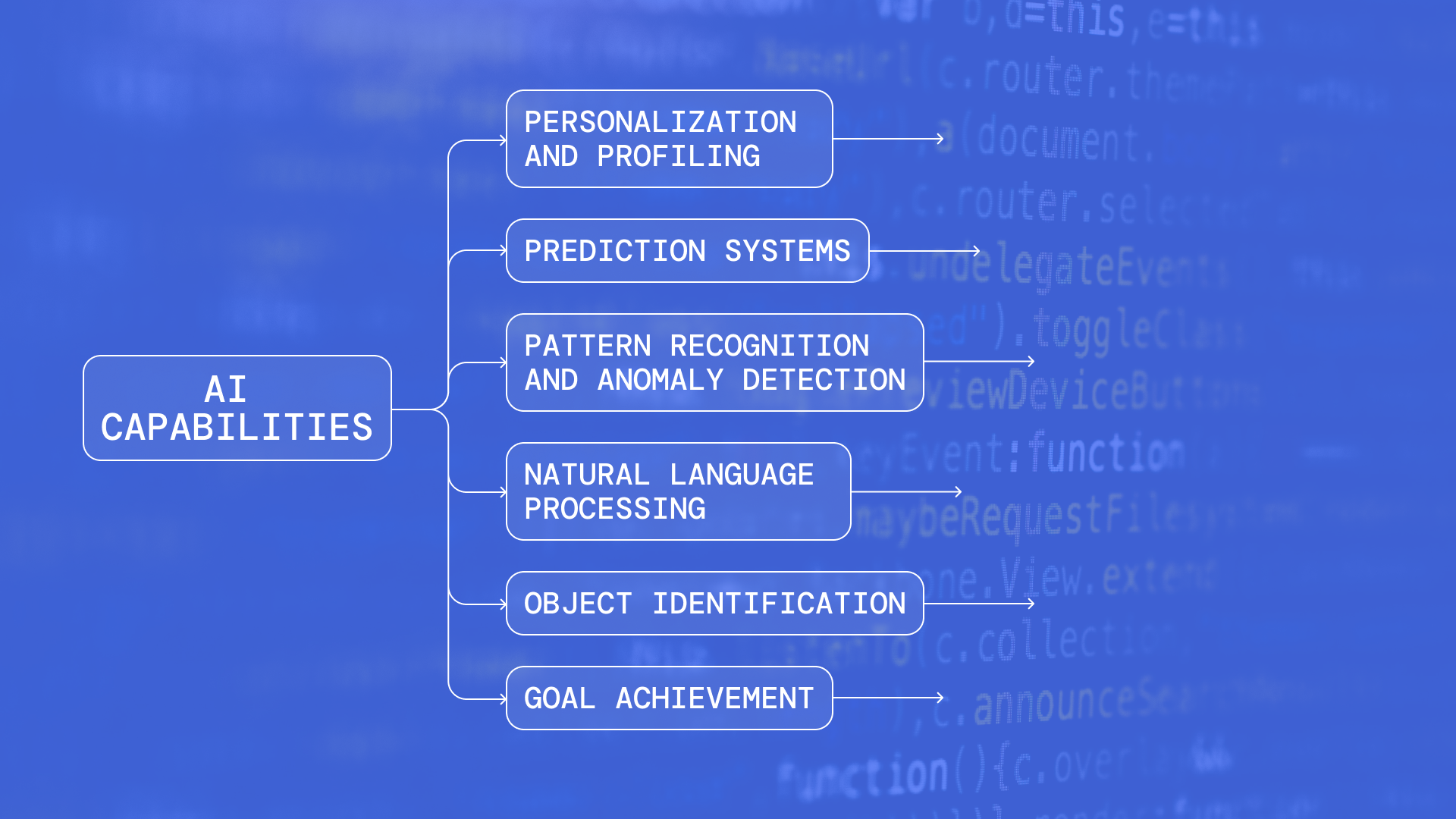
Artificial Intelligence has sparked my interest for quite a while since it can augment various processes. But unfortunately, I had noticed plenty of applications used AI to replace human labor or significantly neglected human needs and capabilities (technical-centered, functioning as a black box, exceeding their competencies). However, the true potential lies in facilitating the collaboration of humans and AI systems.
So, I set out to dive into the field of AI, analyze its capabilities, study approaches to Human-AI-interaction, and ideate on potential use cases to illustrate my point of view.
Why broadcasting?
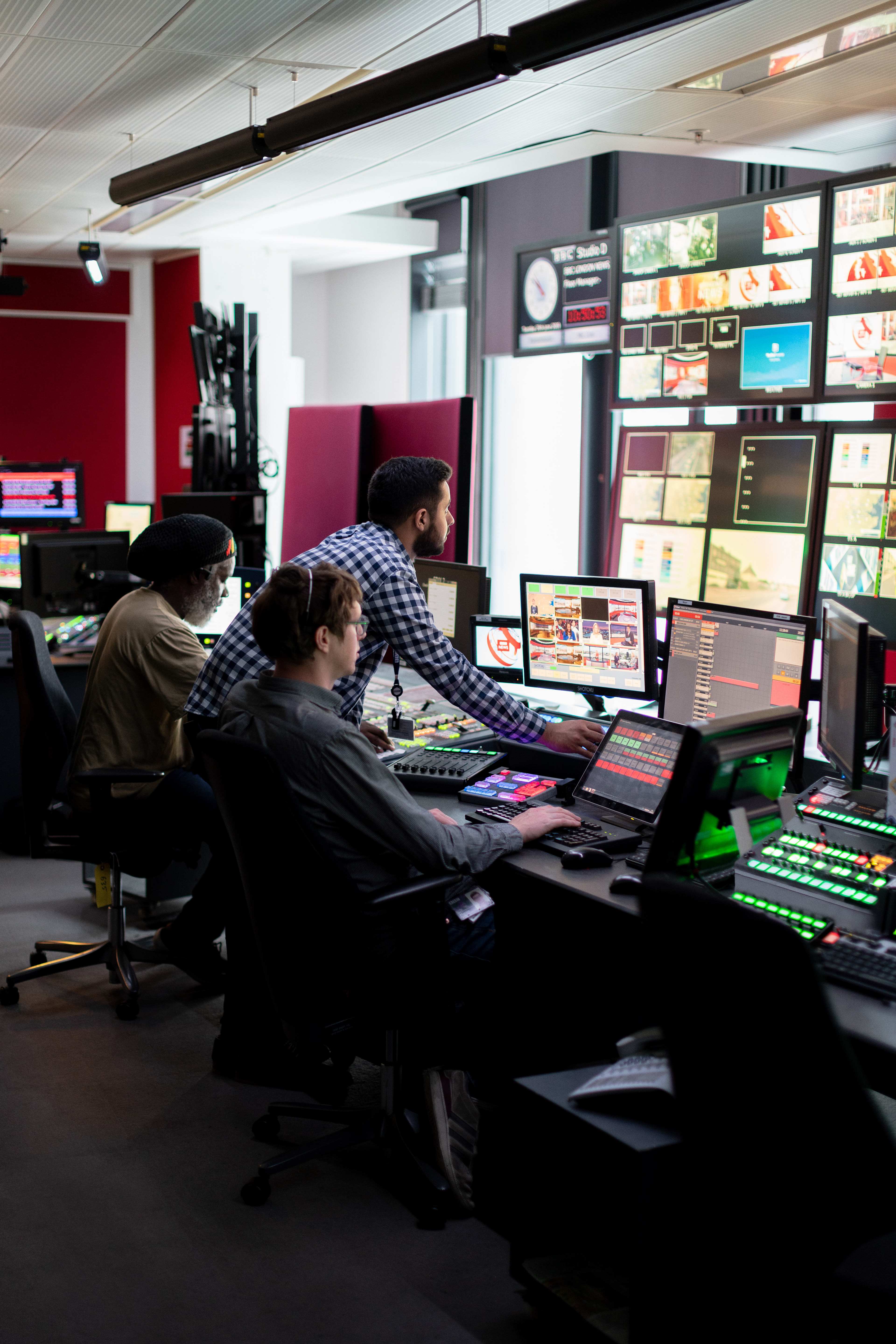
Broadcasting emerged as an exciting use case because it involves different roles' collaboration and consists of visual, audio, and text elements. Therefore, AI capabilities, like computer vision and natural language processing, seemed a good fit for improving broadcasting production.
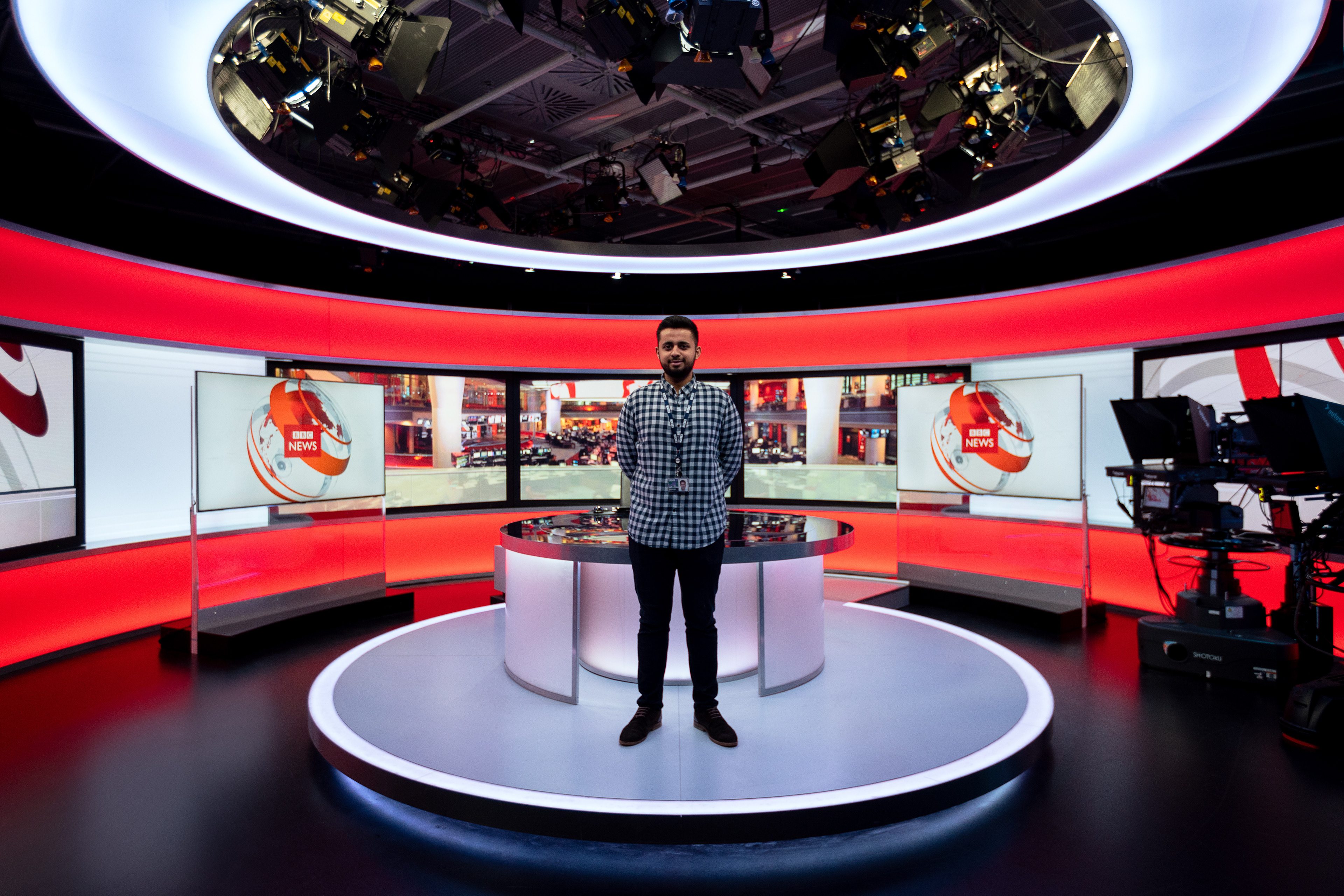
Furthermore, it's a potent tool for disseminating information. However, while large companies have entire teams of experts and expensive studios to produce broadcasts, individuals usually have limited tools and knowledge. This disparity runs counter to the original idea of the Internet pioneers to create a platform in which the voice of every participating person has equal value.
Motivated by this, the primary claim of my work was and is to counteract this tendency. I wanted to leverage technology to democratize people's voices on video platforms through a tool that empowers them to produce high-quality broadcasts.
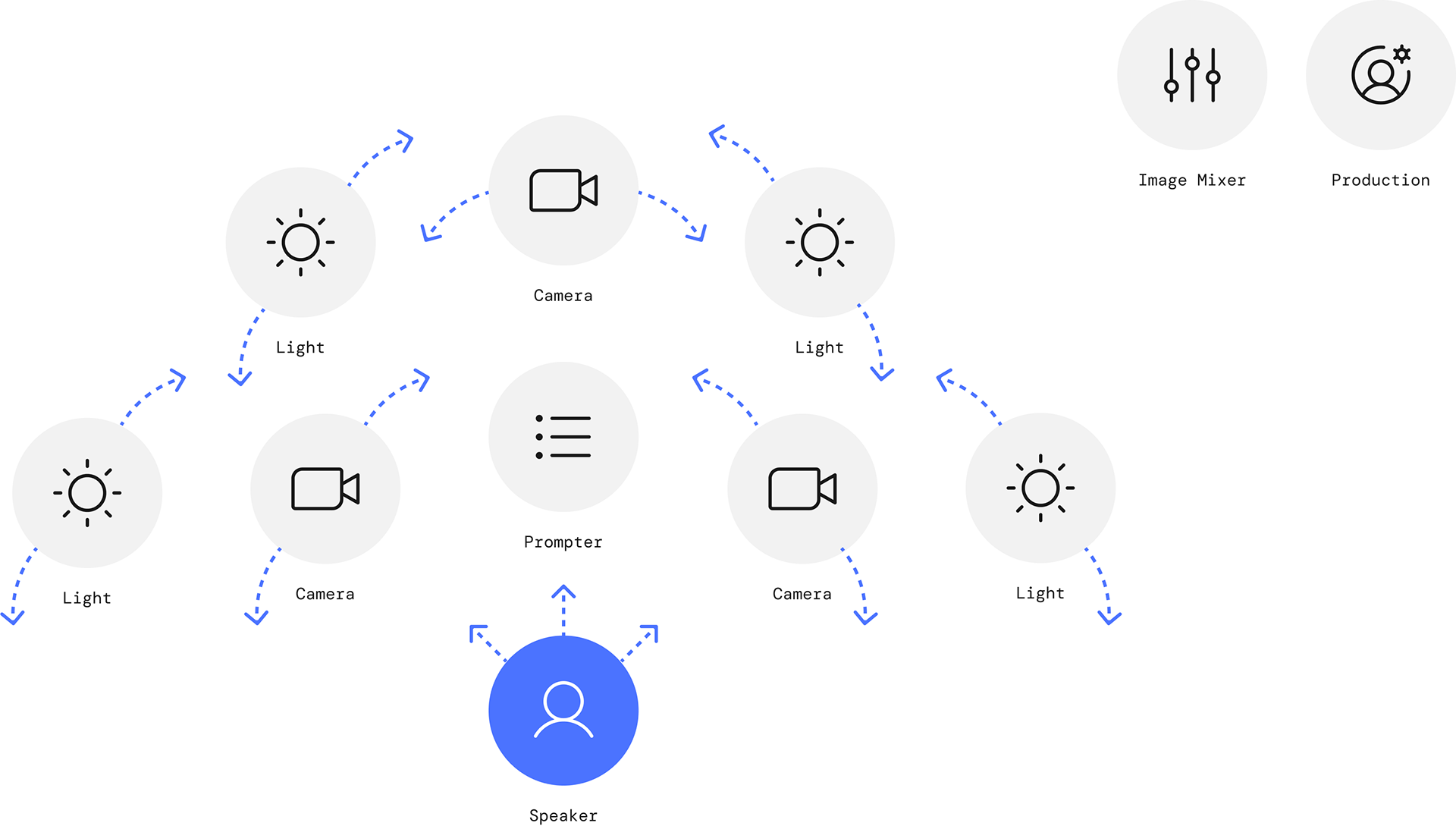
Research and ideation
Inspired by the tasks and competencies of the role models in the classic broadcasting studio, I have developed a series of ideas that represent approaches to how these could be transferred to the home environment. For this purpose, I asked myself what would happen if a digital assistant could solve a concrete problem in broadcasting from home and what this solution would look like.
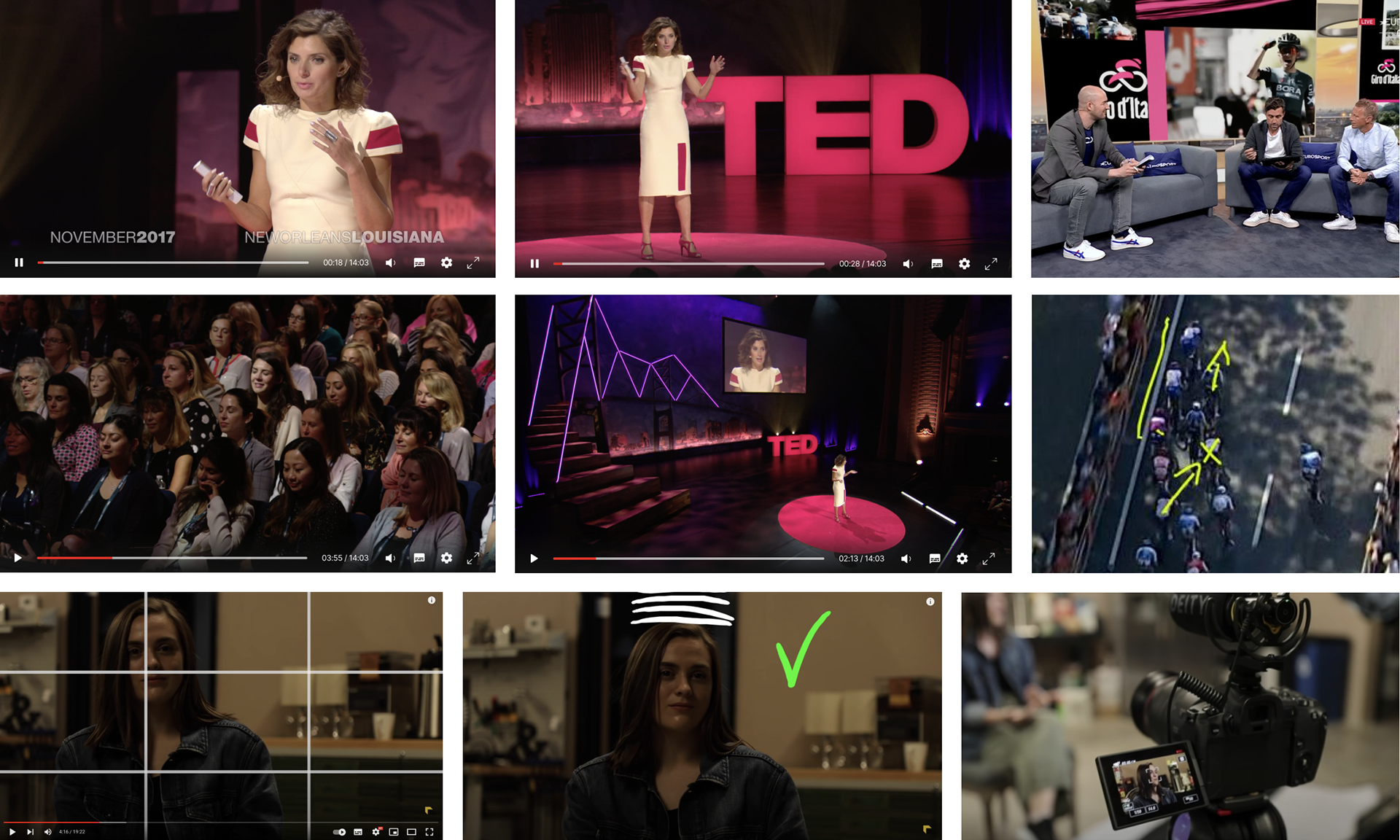
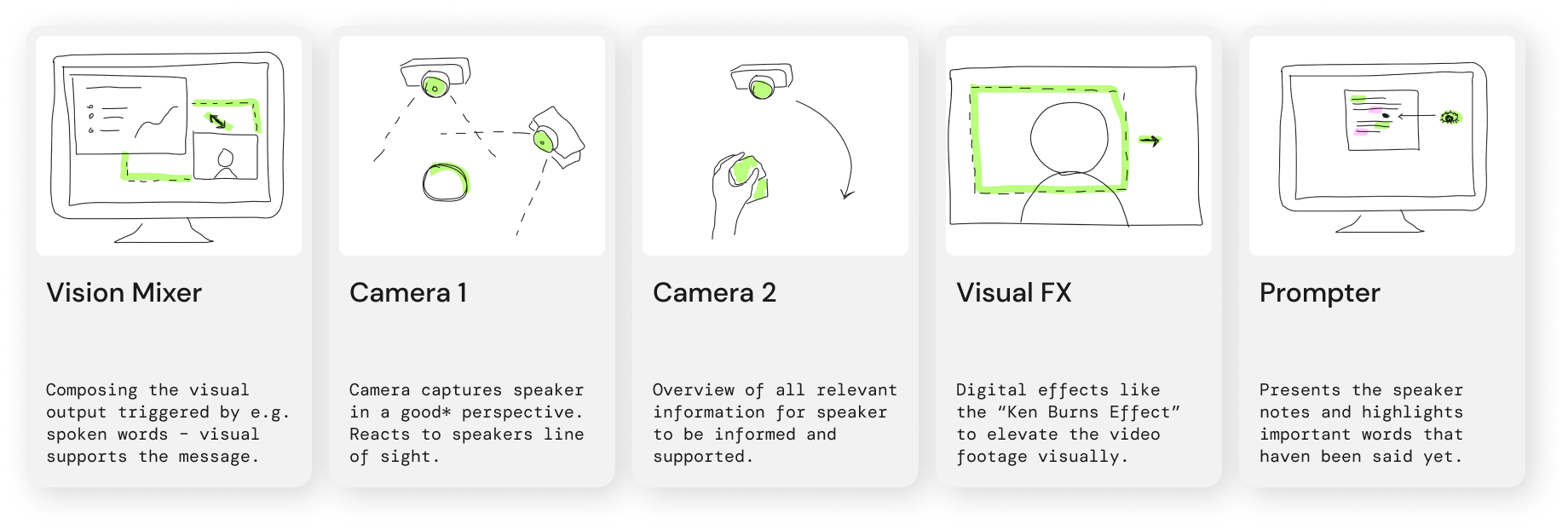
A selection of ideas developed for supporting the broadcasting process from home
Prototyping process
Using the prototyping method "Wizard of Oz", I tested selected ideas to make it possible to experience and verify whether and how promising the respective approach is. I simulated the potential solution approaches without a technical implementation and realization. This approach allowed me to try out several variations with numerous interactions in a short time, for whose technical implementation, entire teams of developers would typically have been busy for several weeks.
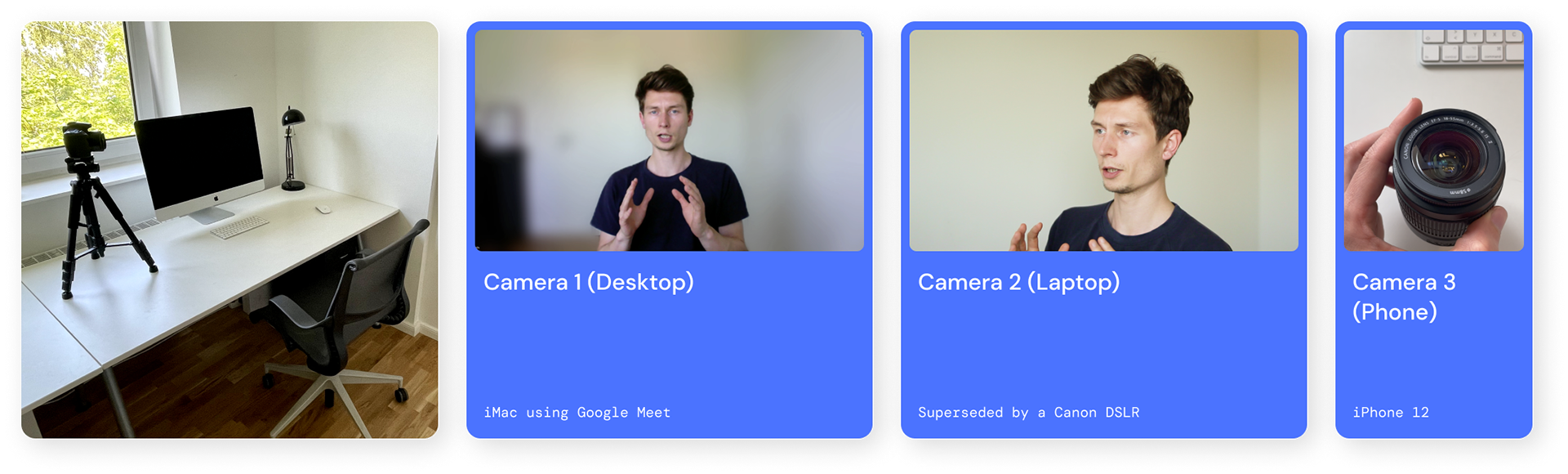
My video setup
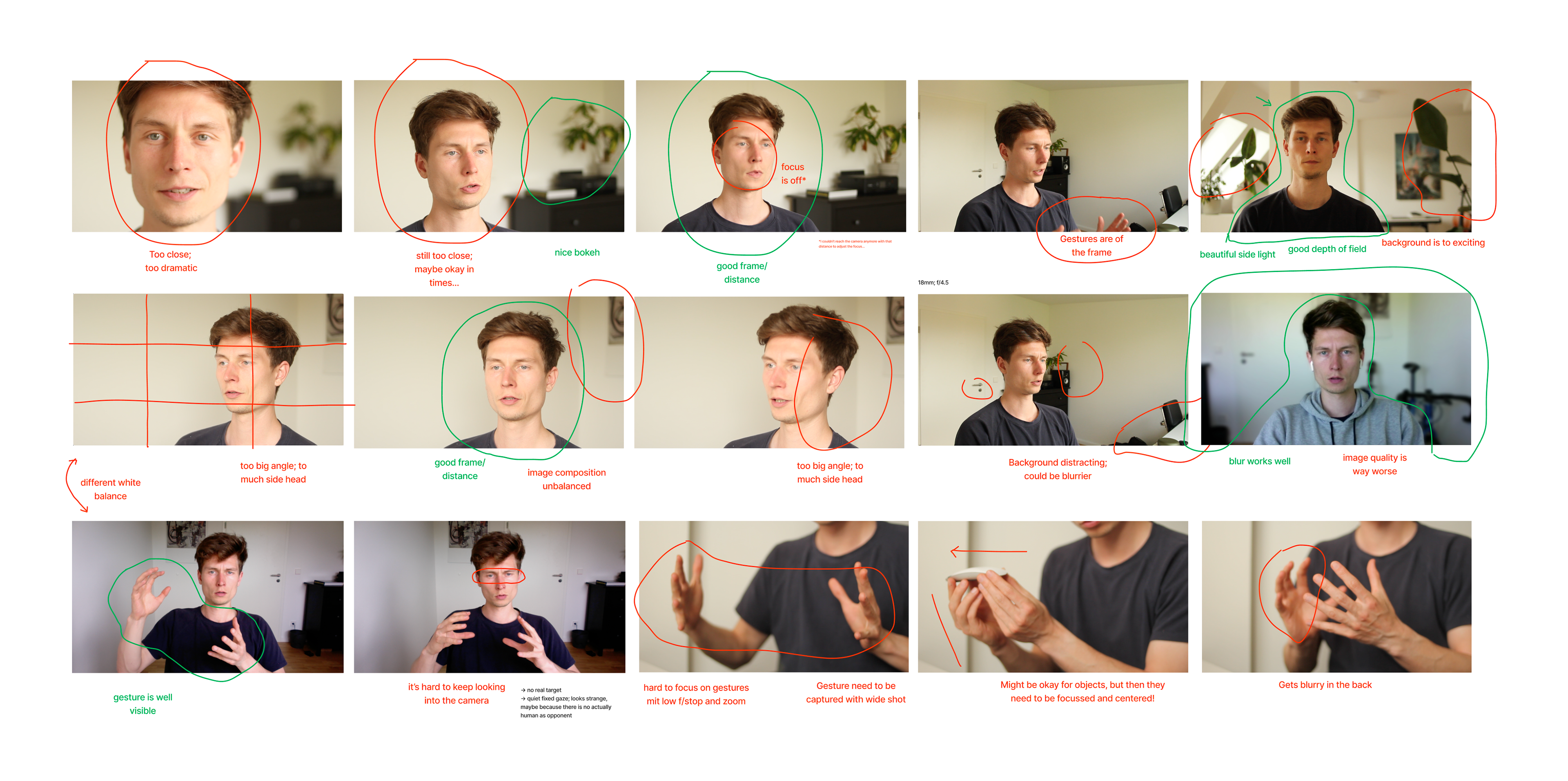
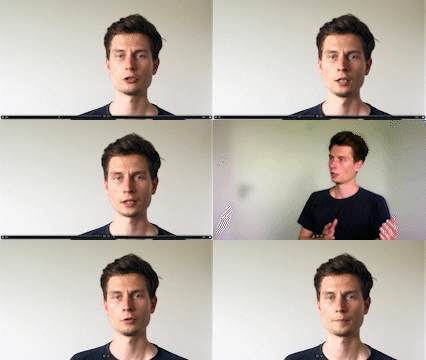
I first installed a basic broadcasting setup at the beginning of the prototyping phase. My goal was to set up a workstation that would allow me to produce high-quality video footage (footage that meets professional broadcast productions' technical and aesthetic standards) that I could later use to produce prototyped simulations of the solutions. This setup preparation included the positioning and choice of framing, setting exposure time and aperture for the camera, focusing the subject, and arranging the background. I also tested and evaluated various software programs for recording video footage.
Video simulations
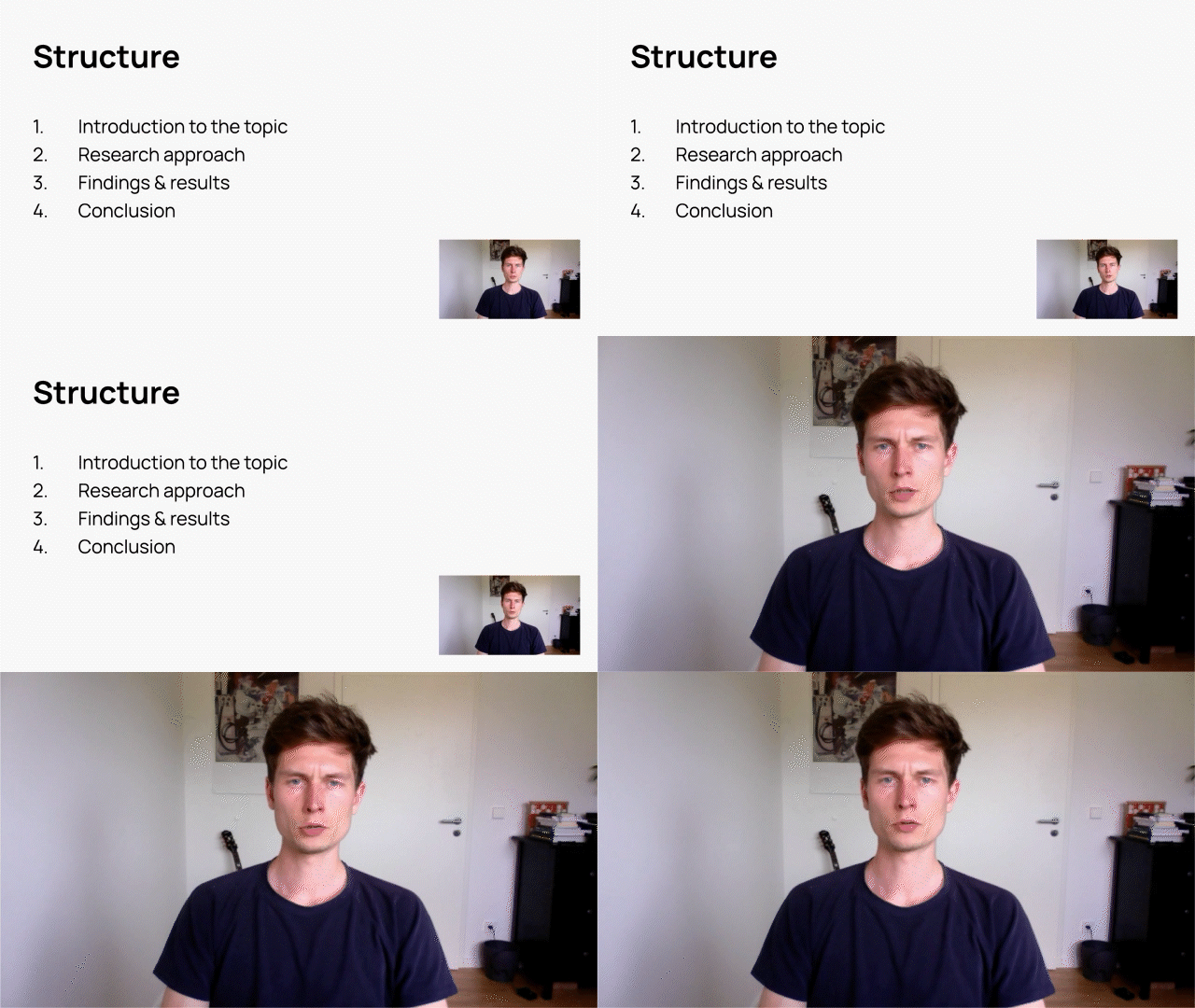
In my experiments, I specifically investigated which concrete triggers could influence this selection and how the concrete implementation could be designed. In addition, I developed some exemplary graphics or slides with image and text content to explore possible compositions of these in interaction with the camera image. They exemplarily illustrate how practical effects can be created simply by using assistive technologies.
I muted the sound on purpose because I noticed it was distracting from the visual impression.
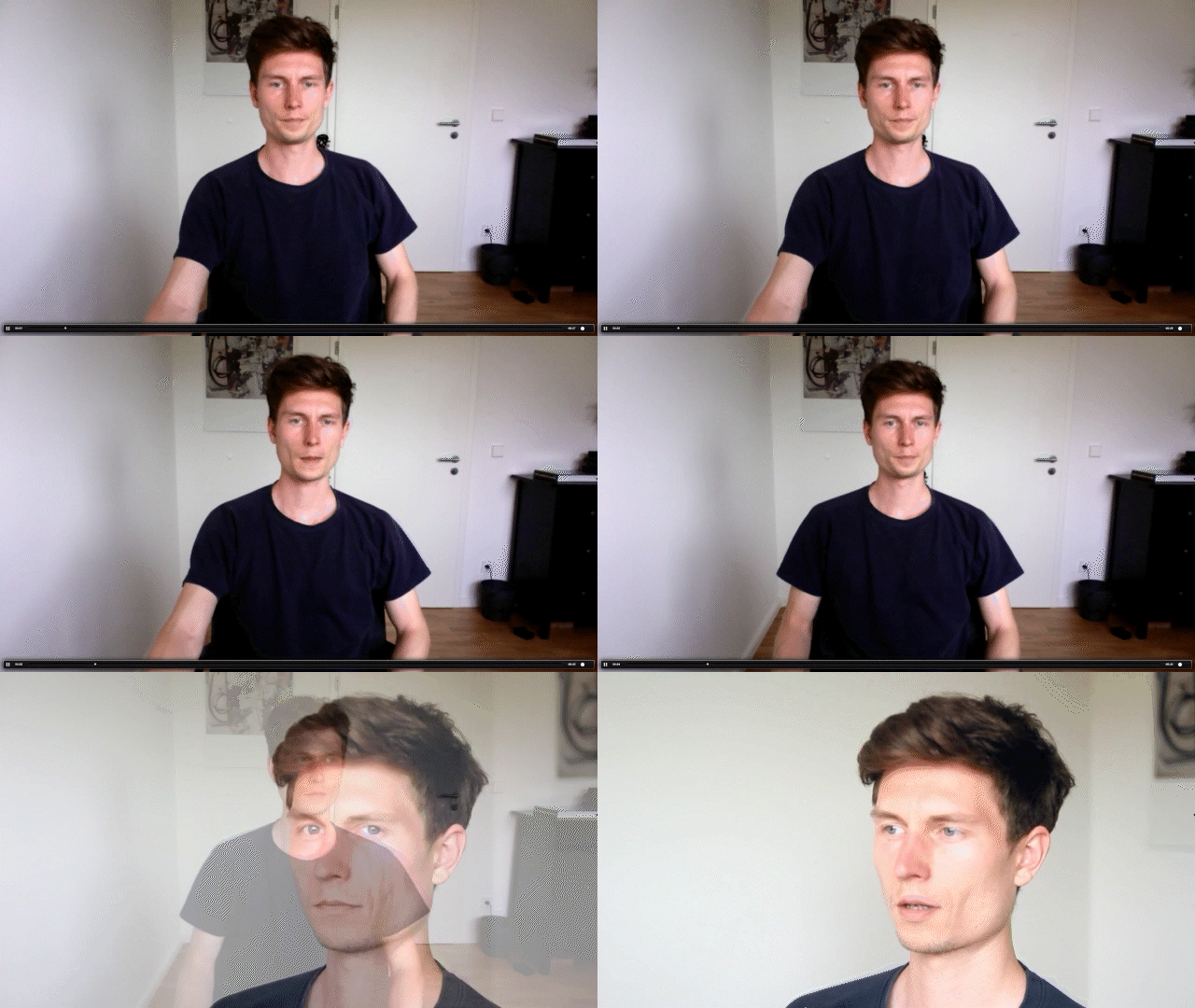
Ken Burns Effect
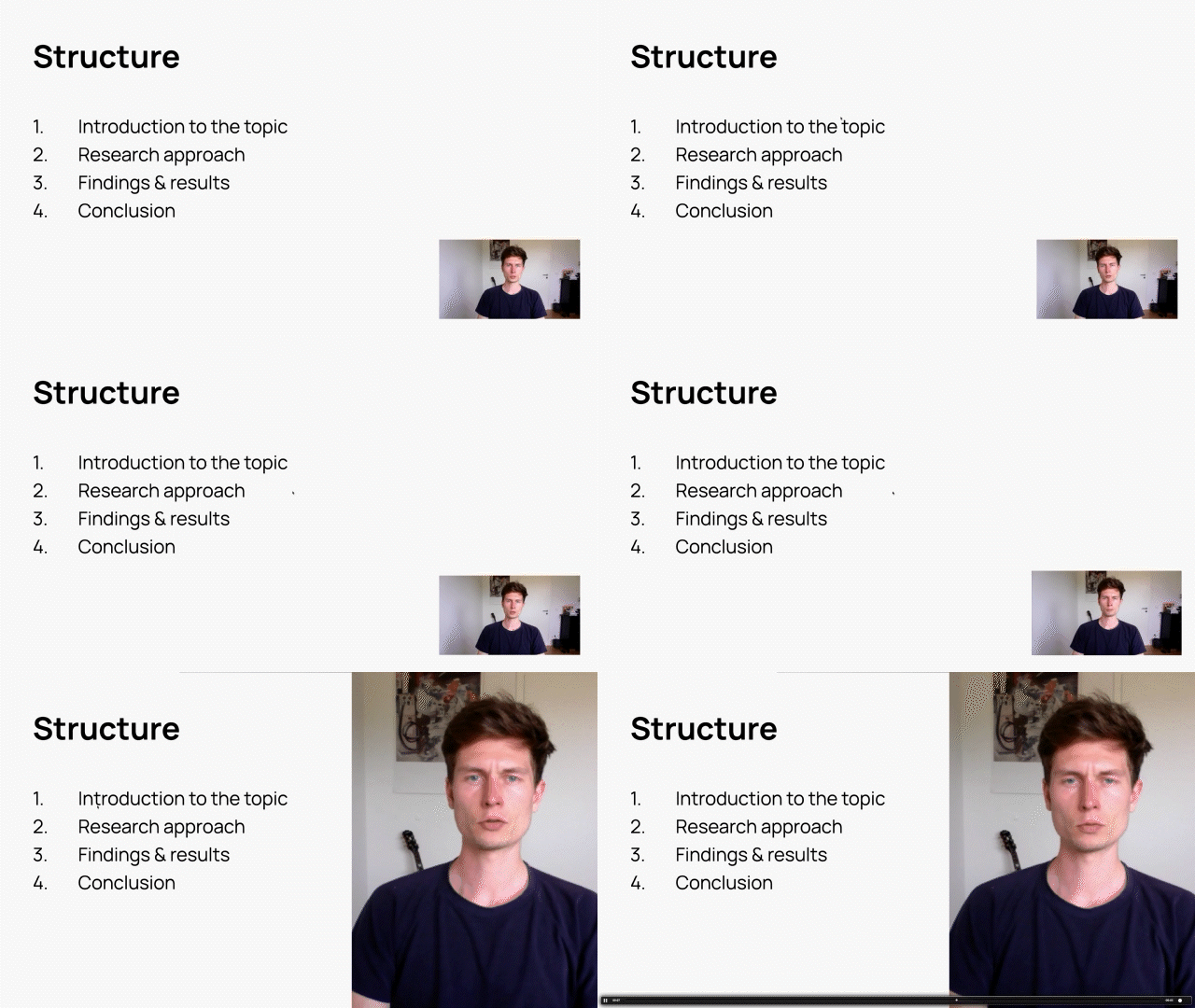
This sequence shows how a Ken Burns Effect is automatically performed after noticing a monotonous camera image.
This sequence shows how a Ken Burns Effect is automatically performed after noticing a monotonous camera image.
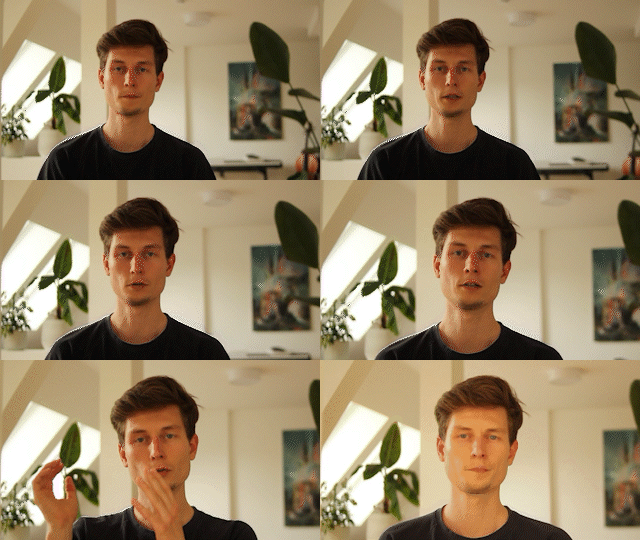
Contextual Zoom
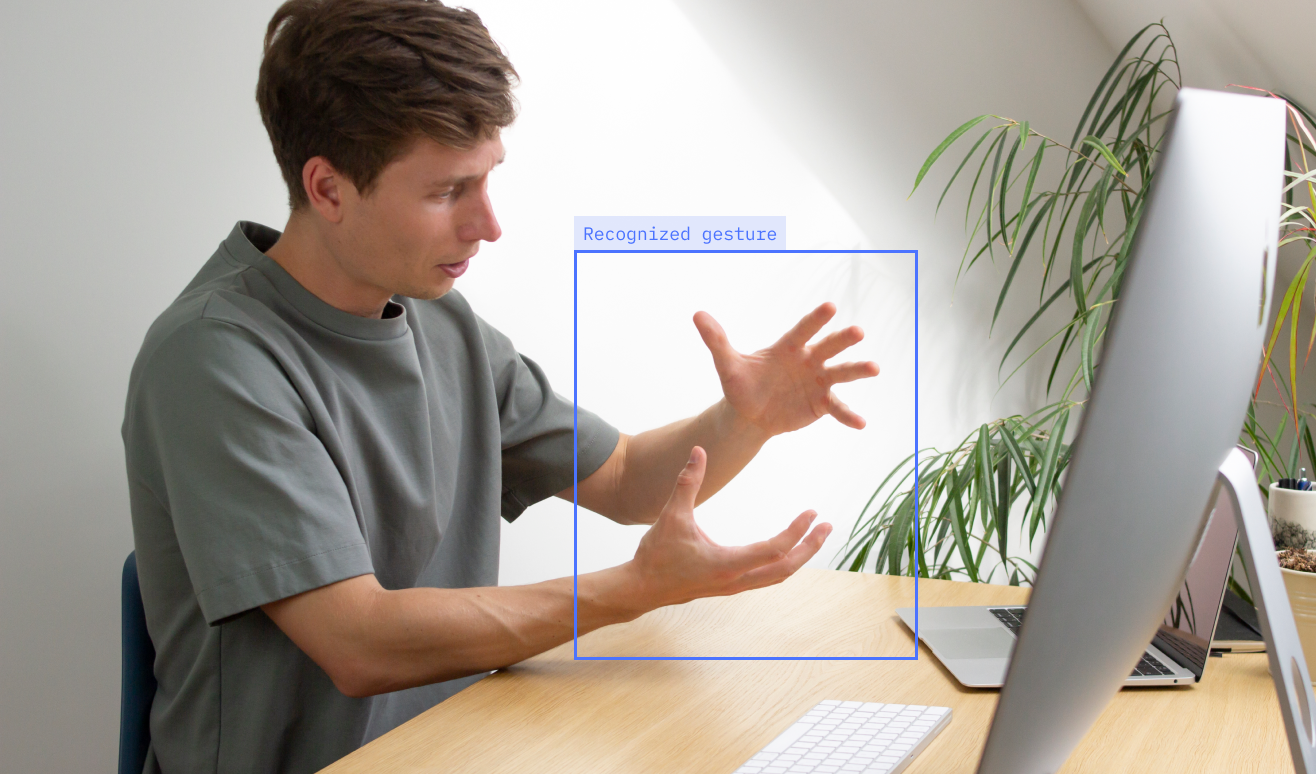
When a gesture is detected, the camera zoom is automatically adjusted to ensure the gesture is visible to the audience.
When a gesture is detected, the camera zoom is automatically adjusted to ensure the gesture is visible to the audience.
Camera Switch
The camera image switches automatically to the camera that better captures the motive.
The camera image switches automatically to the camera that better captures the motive.
Image Mixer
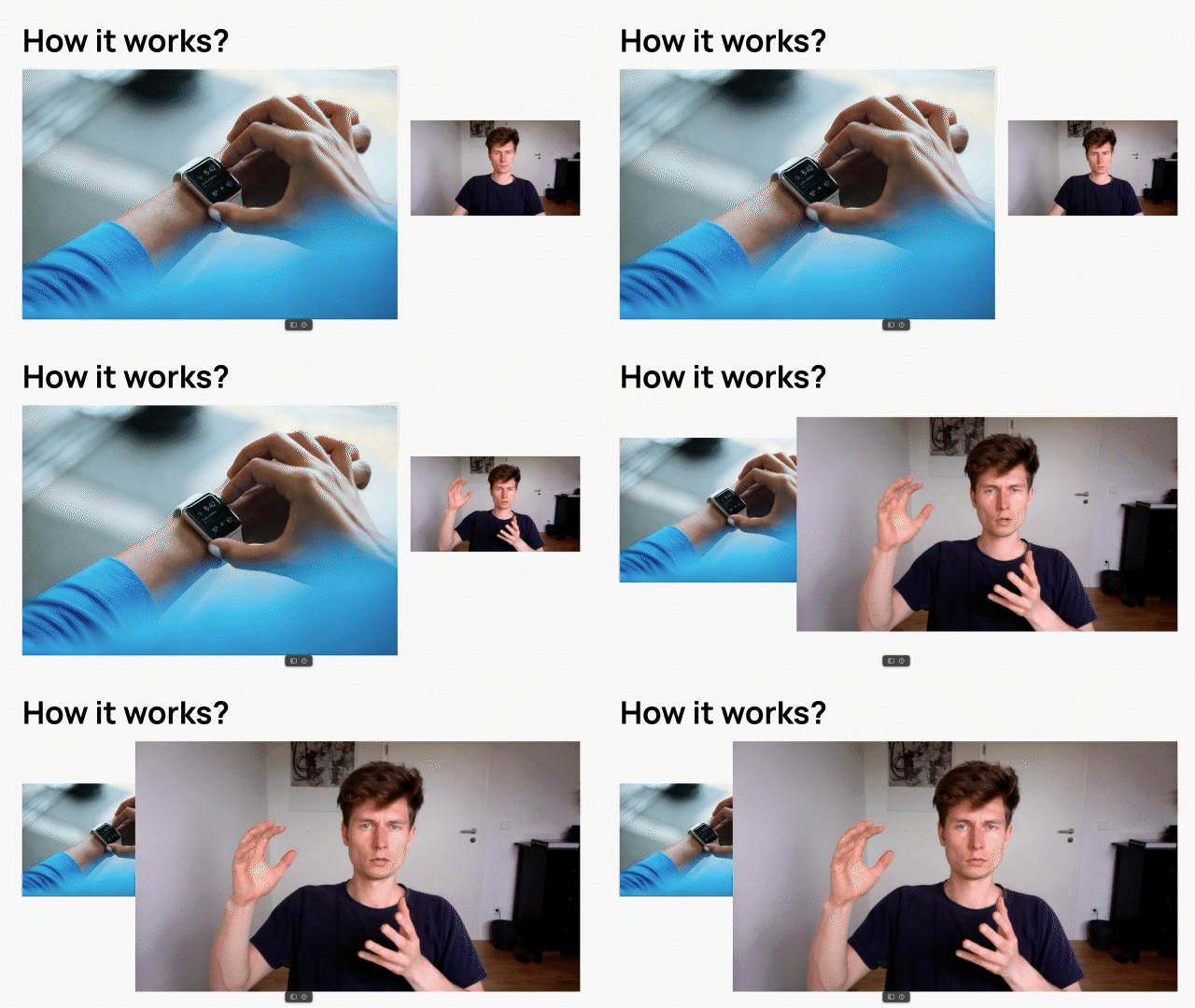
The image adapts automatically to the content. In this case, a gesture is detected, which causes a scale-up of the camera images. Later, the camera automatically switches to the phone camera the person is using.
The image adapts automatically to the content. In this case, a gesture is detected, which causes a scale-up of the camera images. Later, the camera automatically switches to the phone camera the person is using.
Concept overview
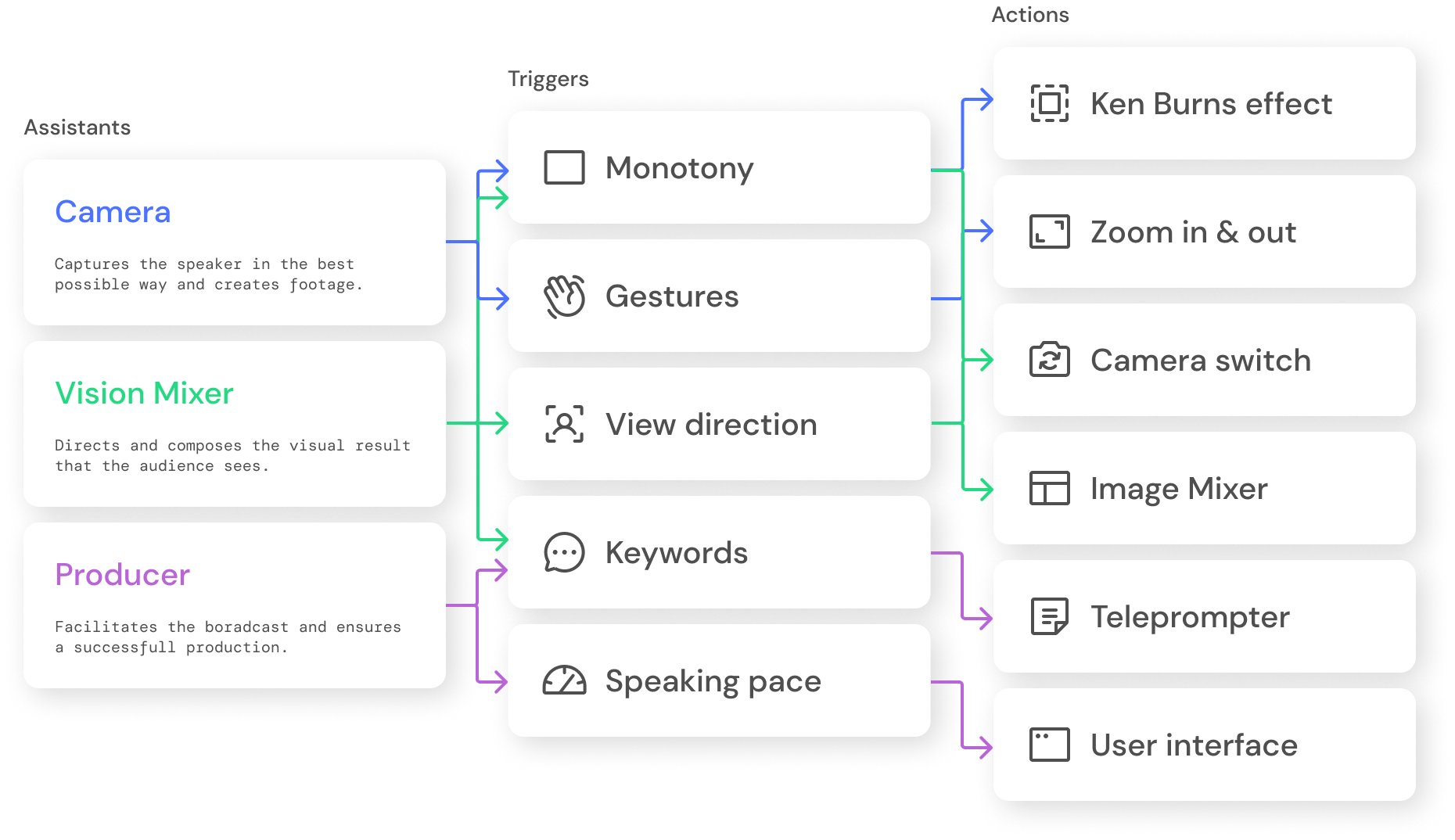
I then summarized the knowledge gained from the simulations produced in a concept. The concept shows which assistant roles react to which triggers during the broadcast and in which form. Crucial is the fact that multiple triggers can cause most actions. But conversely, the exact triggers can also lead to different actions.
Outlook
During my research and design process, I gained numerous insights that justified the need for a new interface type and significantly influenced its design approach.
The function of the user interface should primarily be to enable the user to broadcast smoothly and to provide the necessary intuitively. However, the number of tasks is often overwhelming, making the process more difficult and negatively influencing the result. Instead, users should be able to adjust the degree of assistance step by step, and then, the elements of the graphical user interface should be reorganized accordingly. The pictures show a low-fidelity visualization of this.
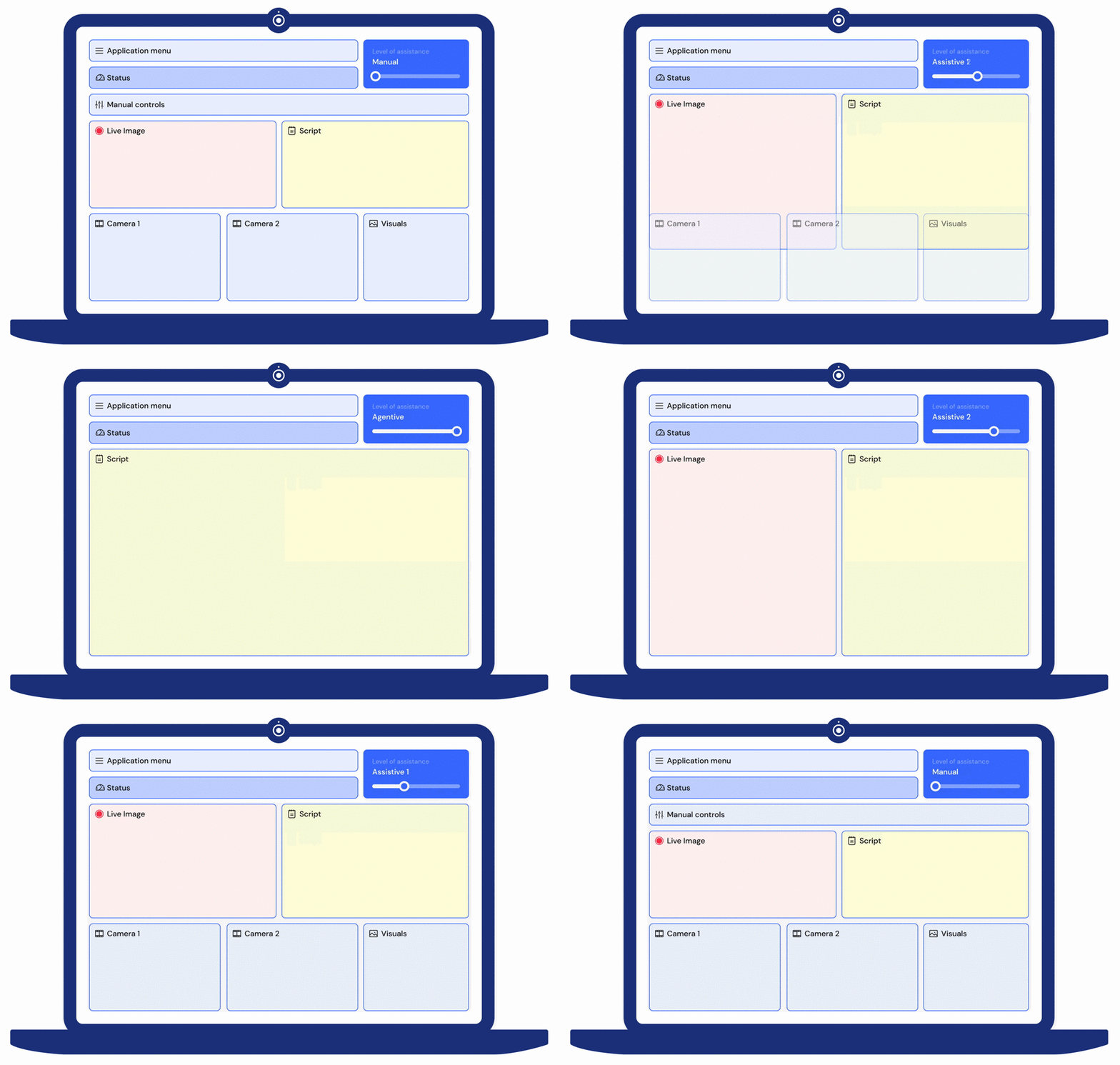
Exemplary visualization of adaptation of interface to the level of assistance